

What Data Meta Actually Collects From You — And Four Settings That Pull It Back
Your personal or business page, your client DMs, your follower list, and the AI now reading all three — a plain-English map of where your data goes and the settings that shorten the trip.


I went to send a client their proof gallery through Instagram DM last week — same as I’ve done a hundred times — and went looking for the little padlock icon that used to sit at the top of the thread. Gone. Not hidden, not moved. Gone.
Turns out Meta pulled the plug on end-to-end encryption for Instagram DMs this past May. Have you been running your business through that inbox for years without ever really asking who else could read it? Turns out: nobody, technically — until this year, when the honest answer changed to “Meta can, if it decides it needs to.” What in blazes?
That sent me down a rabbit hole I should have gone down a long time ago. Not just the DMs. The Page I run half as an artist and half as a business, because — like a lot of you — I never bothered to keep those separate. The follower data Meta hands me every time I check my Insights, which means Meta has it too, plus whatever else it does with it. And now Meta AI, sitting inside all of it, reading posts, chats, and questions I ask it.
Remember: when an online service is free, each of us is inventory. Meta’s paying customers are advertisers, not us.
So I did what I do. I read the actual policies instead of the marketing, and mapped it out — four places, what Meta collects at each one, why it’s not hypothetical for someone running a business page instead of a personal diary, and the setting that pulls back what can be pulled back. Not all of it can. That’s worth knowing too.
Your Business Account (and the Personal Profile it’s tangled up with)

If you run your business off a Facebook Page and an Instagram professional account, Meta collects your posts, photos, captions, ad activity, and Page Insights data. If — like a lot of solo artists — your “business account” is really your personal profile with a professional dashboard turned on, the line blurs. Your relationship status, your hometown, and the shop update you posted an hour later all sit in the same pool, and Meta’s systems don’t sort “business you” from “personal you.”
Here’s why that’s not just an inconvenience: Instagram professional accounts have to stay public — there’s no private option once you flip that switch. Private accounts are excluded from having their content used to train Meta’s AI models; public accounts, including all professional ones, are not, unless you file an objection.
The setting: Instagram → menu (top right) → Sharing and Reuse → turn off Posts and Reels under content people can reuse. That’s the easy half. The harder half is Meta’s formal AI-training objection form, buried under Settings and Activity → More info and support → About. Filing it is currently the only way to stop your public content from feeding model training — and it’s not obvious. Meta makes it hard to find on purpose.
One thing I turned up while digging: my own account appears to be excluded from AI training already — not by any setting I chose, but because I use an emoji as a profile photo and post rarely. Apparently I’m not interesting enough to train on. Hahahahah! If you go looking for the objection form and can’t find it, that might be why — check first.
On Facebook, Privacy Checkup (profile picture → Settings & Privacy → Privacy Checkup) walks you through who can see your posts and how people can find you, plus its own version of the AI-training objection under Privacy Center → Privacy Topics → AI at Meta. Same limitation applies: you can object for yourself, but you can’t stop others from posting about you.
Your Messaging
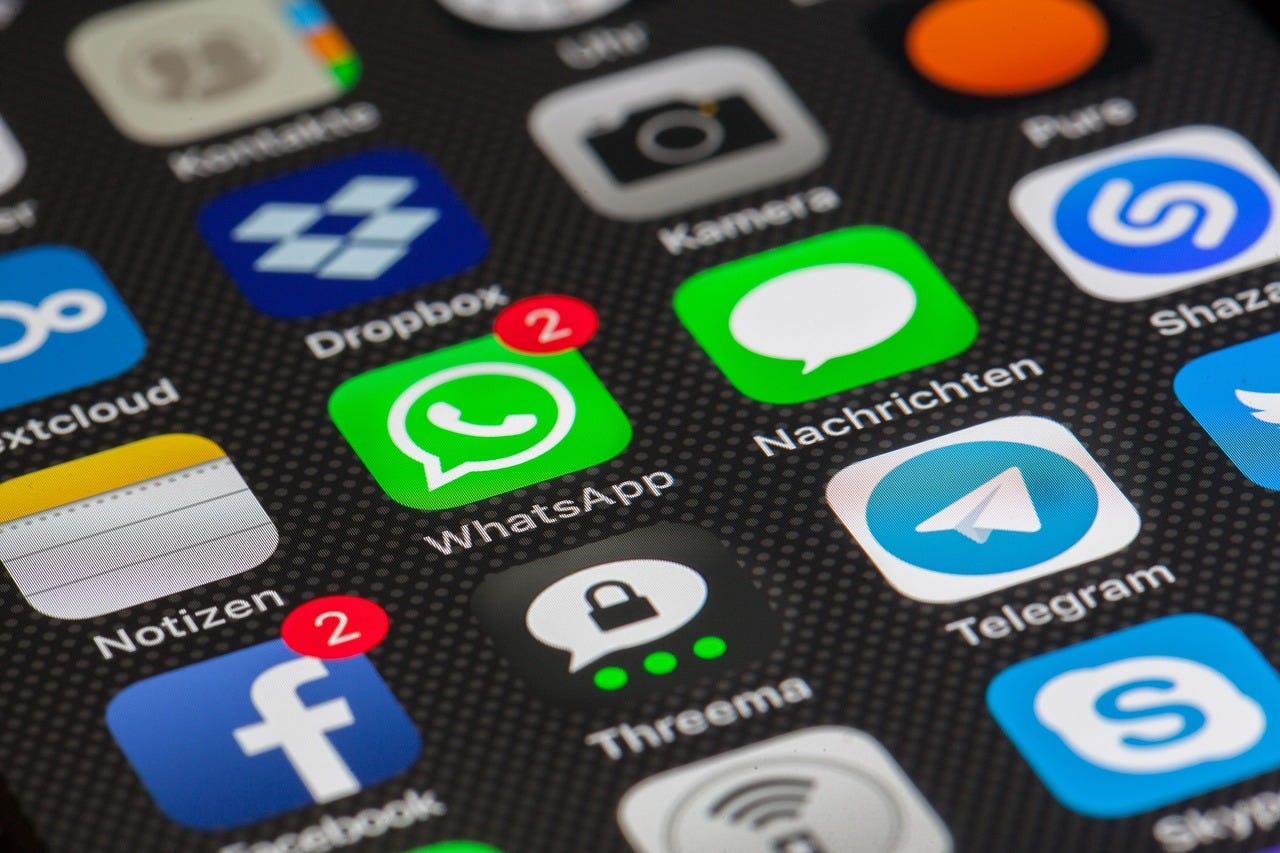
As of May 8, 2026, Instagram DMs run on standard encryption — Meta can access message content when it decides safety or legal reasons call for it. That’s a real change, not a technicality: Messenger and WhatsApp still default to end-to-end encryption. Instagram DMs no longer do, and encryption there was always opt-in per thread to begin with, never the default.
If you handle contracts, deposits, or proof galleries through Instagram DM — the way most of us talk to clients, because that’s where the clients already are — that conversation no longer has the protection it briefly had.
WhatsApp is the one Meta product built around encryption by default: messages, calls, and attachments are end-to-end encrypted in transit, and Meta genuinely can’t read the content. Worth knowing what that promise doesn’t cover — metadata (who you talked to, when, how often) is still collected, and cloud backups aren’t encrypted unless you turn that on separately. The setting path for that backup encryption is detailed enough that I moved it to the companion guide rather than burying it here.
Where I Landed: Given all this, my instinct is to keep quick, trivial exchanges — “nice photo,” “thank you” — on Messenger or Instagram DM. No need to overthink those. But anything with real weight — contracts, deposits, politics, anything I’d call sensitive — moves to WhatsApp, or Signal if I have a choice. That’s the line I draw: content decides the channel, not habit.
Your Audience Data

Every time you open Facebook or Instagram Insights and see your followers’ age range, location, and the days they’re online, Meta collected that first and handed you a slice. If you’ve ever added a Meta Pixel to your own website or shop, Meta collects activity there too — including from people who’ve never made a Facebook or Instagram account.
The part that surprised me most in the research: Meta doesn’t need cookies to keep tracking you. Even with cookies blocked, private browsing on, and networks switched, Meta can still stitch together who you are from browser and device characteristics — screen size, fonts, timing patterns — a technique called fingerprinting. It’s why Facebook can flag “new login from Chrome on macOS” even after you’ve wiped everything. I went deep enough on this that it got its own section in the companion guide, because the honest version of “how to stop it” runs to DNS blocklists and browser-hardening steps that don’t belong in a newsletter.
The plain-language version: you can meaningfully reduce what Meta sees, but you can’t eliminate it while you’re still running ads or a Pixel through them — because that’s you opening the door, not them breaking in. Even a “share to social media” button on someone else’s site sends data to Meta the moment it loads, whether you click it or not.
Why it Lands on You Specifically: this is the one module where Meta isn’t just collecting about you — it’s collecting about the people who follow your work, through tools you may have installed without reading what they do. And here’s the part with no settings fix at all: you don’t need a Meta account for Meta to have a file on you. Identity data gets collected, categorized, and sold whether you ever signed up or not. There’s no opt-out for that.
Meta AI

Since June 2024, Meta’s Privacy Policy has allowed it to use your posts, photos, and interactions on Facebook and Instagram to train its generative AI — including, per Meta’s own engineering writeups, using behavioral data (activity history, engagement, location) to train its ad-ranking models. That part is well documented directly by Meta.
A further evidence from Meta’s own policy update explicitly states that AI conversation content is now processed for personalized advertising that conversations you have with Meta AI itself — not just your posts — are being folded into ad-targeting profiles.
From the Advantage+ AI Chat Signals Strategy Guide:
“Advantage+ now processes anonymized AI chat intent signals… conversations users have with Meta AI across WhatsApp, Messenger, Instagram, and Facebook have been feeding into Meta’s ad delivery algorithms as intent signals.”
Either way, the opt-out situation is clear: formal rights to object exist only for people in the EU, UK, Switzerland, Brazil, Japan, and South Korea. If you’re U.S.-based, there’s currently no policy opt-out. The closest thing to a lever is keeping your account private — which only protects what you post going forward, not anything already public, and it limits your reach at the same time.
Wrap up

None of this means close your account or quit the platform you or your clients already live on. It means choosing which parts of your business run through Meta’s hands on purpose, instead of by default. Four places, four decisions. You don’t owe them all the same answer.
If you want to go further on your desktop: Chrome is the least protective browser and the most exposed to tracking, which may still be the right choice for the times you’re logged into Meta directly. A hardened browser — Brave, Firefox with stricter settings, Safari — is worth using for everything else. Just know that blocking trackers aggressively can break features on sites you actually want to use.
Mobile is its own animal, and a longer conversation than this piece has room for. Every app maker decides for itself what it collects and where that data goes, often invisibly. That’s a piece for another day.
Do you run your business through a personal profile, or did you split it off into a dedicated Page? I’m curious how many of you have actually tried to untangle the two — reply and tell me what happened when you did (or why you haven’t).