

Five Powerful Tools That Slash Your Audio Production Time — Without Handing Your Unreleased Work to a Tech Company.
Not all AI audio tools are created equal. Some run locally and never touch the internet.

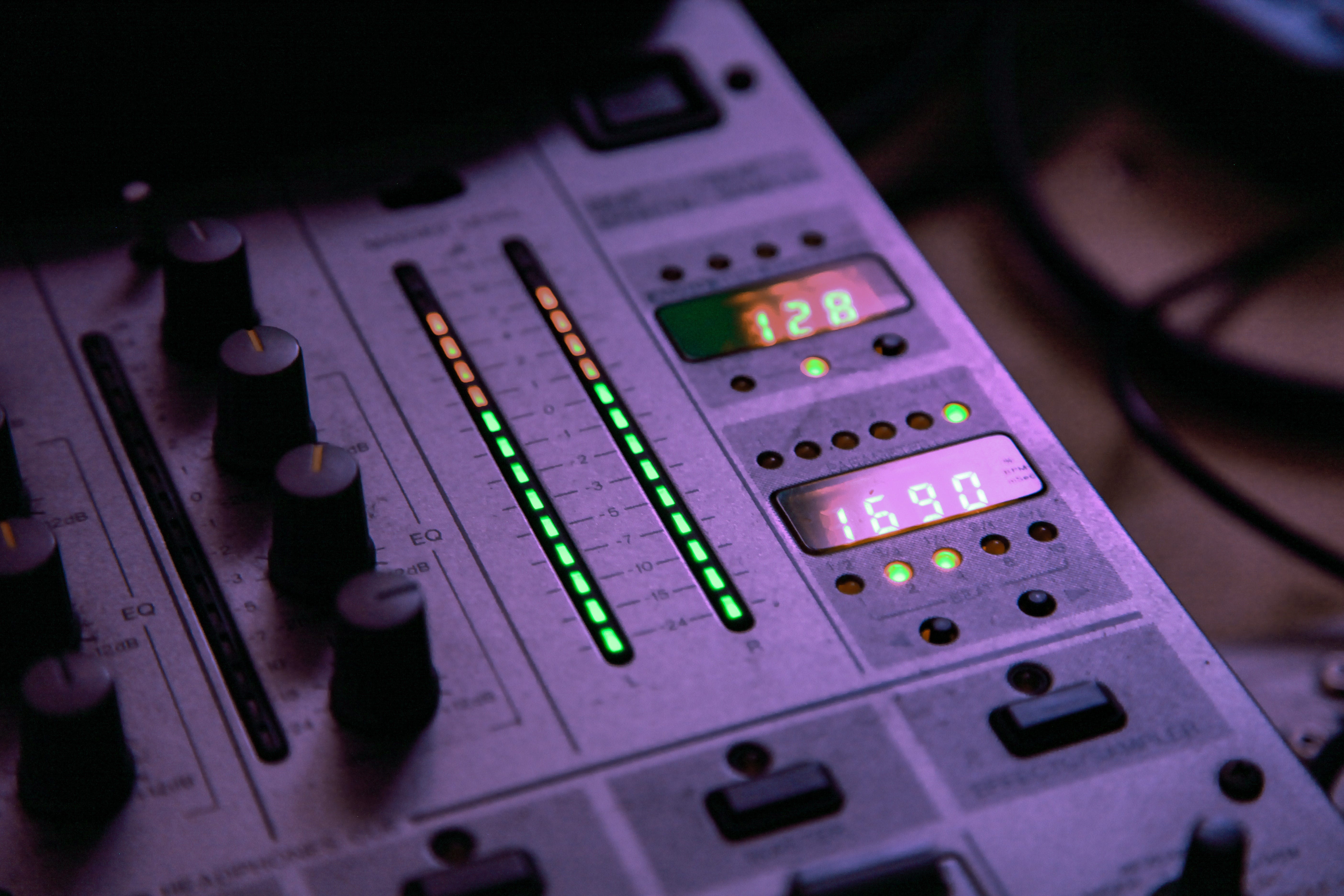
You spent six hours last Tuesday editing a 45-minute podcast episode. Four of those hours were you staring at a waveform, hunting for the exact moment your guest said “um” for the forty-seventh time. One hour was actually creative work. The other hour was you questioning your life choices. Meanwhile, AI tools exist right now that could have handled the um-hunting, the noise reduction, the level balancing, and the transcript — all before your coffee got cold.
Every tech company with a microphone icon in their logo wants your recordings. They want them to train their AI +models, improve their products, and quietly turn your unreleased works into someone else’s competitive advantage — all buried in page 47 of an obfuscated terms-of-service document written by lawyers who were paid to make it not readable by mere mortals.
Here’s the thing they don’t want you to know:
The most powerful AI audio tools available today don’t need to keep your files. They run on your machine, offline, and they’re free.
This is the guide the SaaS industry hoped you’d never find.
The best privacy protection for your recordings is for them and your audio processing to never leave your machine. That’s what “runs locally” means: recordings, edits, special effects, stay put on your device. Period. An added benefit is improved tool performance due to reduced wait time for network activity (latency) when using a cloud service.
This is not to say that online cloud services can’t do the job. There are many quite capable services out there that protect your recordings to various degrees, two of which I’ll cover after local tools are discussed. Before using the cloud for your audio processing, you must make an informed decision about specific cloud service trustworthiness.
Key question to answer:
Will the cloud service respect your data & intellectual property (IP) rights and not convert your recordings into their AI training materials or other unauthorized use?
There may be a case where a cloud service offers a feature or function that is vital to your operation. In that situation, you should invest some time to read their terms of service to determine what intellectual property rights and data you relinquish, if any, when agreeing to use the service.
Bottom line: never assume a cloud service will protect your recordings.
Assume your recordings will be used to train their AI systems unless the terms of service clearly states otherwise.
IP and Data Safety: 3 tools that run locally on your machine
Ultimate Vocal Remover (UVR) with Demucs
Best for: Musicians, audio engineers, music producers
UVR is a free, open-source desktop app that wraps Meta’s Demucs AI model in a point-and-click interface — no command line required. It separates any mixed audio into individual stems: vocals, drums, bass, guitar, piano, and other instruments. Once the models are downloaded, it works entirely offline. Your source recordings never go anywhere.
Use cases: isolating a guitar part to learn a riff, creating instrumental tracks for practice, remixing, or studying how a favorite record was produced.
Honest caveat: The original Demucs GitHub repo is no longer actively maintained (the lead researcher left Meta). UVR’s maintained community wraps the last stable version and keeps it working. It’s not a concern for normal use, but worth knowing.
Tutorial: Aleksandr Hovhannisyan, a developer and musician, wrote a step-by-step guide with screenshots specifically for setting up UVR with Demucs models. It’s practical, no-fluff, and written for people who aren’t programmers. Check it out at https://www.aleksandrhovhannisyan.com/notes/stem-separation/
MacWhisper (Mac) / Whisper via Audacity (Windows/Linux)
Best for: Podcasters, audio recordists, interviewers
MacWhisper is a native macOS app built on OpenAI’s open-source Whisper model. It runs fully offline on Apple Silicon and transcribes audio to text with over 100 languages supported, batch processing, and speaker identification. One-time purchase is available along with standard Apple AppStore subscription options. The developer is Jordi Bruin, a well-regarded indie Mac developer with a track record of privacy-respecting apps.
For Windows/Linux users, Whisper can be integrated into Audacity (free, open-source), giving them the same local transcription capability in a familiar audio editing environment. Please be aware that Audacity itself has some controversy: it was acquired by Muse Group in 2021; there was some embroilment after the acquisition regarding data privacy—particularly a privacy policy clause mentioning that personal data might occasionally be shared with “our main office in Russia“. Also, its terms of service and data protection became murkier.
Honest caveat: MacWhisper Pro features (batch transcription, global dictation mode) require a paid upgrade. The free tier handles single-file transcription, which is enough to evaluate it then you can make an informed decision.
Tutorial: MacWhisper has official documentation at https://macwhisper.com. For the Audacity + Whisper integration on Windows, have a look at https://businessoddcast.com/free-audio-to-text-transcription-guide-using-audacity/ for a step-by-step guide. Check the MacWhisper Community on Reddit - https://www.reddit.com/r/MacWhisper/ for current issues and use cases.
FYI:
If you want to open m4a files (macOS/iPhone audio) you will need to install the ffmpeg for Audacity library from https://lame.buanzo.org/FFmpeg_5.0.0_for_Audacity_on_Windows_x86_64.exe
In the Windows instructions above ~ OpenVINO AI Effects are found under the Audacity Effect menu item
Magenta Studio (Google) — Ableton Live Plugin
Best for: Musicians using Ableton Live
Google’s open-source Magenta project ships a set of AI plugins that run inside Ableton Live. The tools assist with melody continuation, drum pattern generation, and harmonic interpolation. Once installed, they run locally against downloaded models. No cloud calls during use.
Honest caveat #1: This one has a steeper learning curve — it requires Ableton Live (not free: $99, $439, $749) and some setup. It’s for the serious musician audience, not podcasters or recordists. Worth including because it’s the most musically sophisticated local tool available, and it’s developed by Google Brain researchers, not a SaaS startup with a training-data business model.
Honest caveat #2: Magenta Studio is viewed more as a research/experimental instrument than a polished production tool, since it was developed by a Google Brain research group rather than a product team. This likely explains the lack of serious critical reviews — it’s positioned as an academic/creative experiment rather than a commercial plugin. For more hands-on opinions, browsing the r/ableton or r/WeAreTheMusicMakers subreddits would yield the most honest user feedback.
Tutorial: The Magenta team maintains official tutorials and demo videos at https://magenta.tensorflow.org/studio.
CLOUD TOOLS
Upload required, but contractually protected (or not)
When considering using a cloud service, remember that you are uploading your recordings to someone else’s server over which you have no control. The question: do the service’s contractual protections and data practices give you reasonable confidence that your recordings are protected. That’s where I actually found meaningful differences. A well written law mandating data protection (EU GDPR) is preferable to impenetrable corporate Terms of Service agreements that can radically change on a whim.
You must make a decision weighing that the features, functions, and outcome of the service sufficiently justifies you relinquishing some, most, or all of your data protection.
As, the Grail Night in the movie Indiana Jones and the Last Crusade stated:
“Choose wisely.”
Auphonic
Best for: Podcasters, broadcast audio producers
Auphonic is an Austrian company operating under EU GDPR. It automates the most tedious post-production tasks: noise reduction, adaptive level balancing, loudness normalization to platform standards (Spotify, Apple Podcasts, YouTube), silence trimming, and transcript generation. Two hours of processing free per month.
Why this cloud service earns some trust: A third-party service called CleanCut VO explicitly documents in their terms about Auphonic (Audio Processing Partner) “No data is used for AI training or external analysis.“ Auphonic deletes processed files on a roughly 21-day cycle. The company is GDPR-bound — meaning EU data protection law, not just a self-written privacy policy that can be summarily modified on impulse. They also added two-factor authentication in September 2025.
Honest caveat: You are still uploading your recordings to someone else’s server that you do not control. If your recording contains something you’d never want on a server in Austria, use a local tool instead. The privacy protection here is contractual and legal, with sharp teeth, not architectural.
Tutorial: The Auphonic blog and documentation is written by founder Georg Holzmann, an audio researcher who built the algorithms. The official tutorial library is at https://auphonic.com/blog and covers every feature with technical depth.
Descript
Best for: Podcasters who want text-based audio editing
Descript lets you edit audio by editing a transcript — delete a word in the text and the audio cut happens automatically. It’s genuinely one of the most effective time-saving tools in podcasting. Studio Sound cleans up room noise and phone-recorded audio automatically.
The honest privacy picture: Descript is a US-based cloud service. The Freedom of the Press Foundation studied Descript and noted the company has the technical ability to access uploaded audio.
From Freedom of the Press article:
Behind the scenes, Descript is using a small handful of services to process transcripts. Descript uses Google Cloud Speech-to-Text to provide automatic transcription. Google says it deletes your data from its servers after the transcription is completed. According to its documentation, Descript also uses Rev to provide automatic or human transcription. Descript says, “If you request a White Glove transcription, we will share your audio files with Rev, which has strict confidentiality agreements with all of its employees.”
The “Overdub” feature explicitly uses your recordings train AI:
Descript offers a powerful feature called Overdub, which allows users to insert realistic computer-generated voices into the transcript. To accomplish this, Descript uses Google Cloud to process and reproduce your voice. Descript will generate “nondefamatory” samples of your voice, and human reviewers on Amazon’s Mechanical Turk will listen to this sample audio to confirm the resulting voice sounds accurate. The company is clear that if you use Overdub, “We train and host your artificial voice using Google Cloud. Also, we use the audio that you shared as ‘Training Audio’ to improve our service.” Descript says its employees may also review the uploaded audio, as well as computer-generated output audio for quality assurance.
Descript does not offer two-factor authentication for standard accounts (only enterprise accounts with SSO). This is a concern for independent reporters, podcasters, and activists who publish controversial or political topics. Your only source of protection here is by using an anonymous email address and a very long and complex password created by your local password manager. Not ideal, but usable.
Tutorial: Descript maintains an official YouTube channel with professional tutorial videos. Podcasting educator Pat Flynn (Smart Passive Income, 5+ million podcast downloads) has published workflow guides using Descript that are practical and beginner-accessible.
Descript is a genuinely useful tool — BUT artists, podcasters, and reporters with sensitive or controversial unreleased recordings should know what “cloud-based” actually means, who has access to your uploads, and under what circumstances your data will be used by cloud-based third party services.
Your Path Forward
You got into music, podcasting, or audio recording because you love music, lively conversations, and strive to make the world a better place. You did not sign up to become an unpaid data laborer for a Silicon Valley company’s AI training pipeline. And yet — here we are.
The good news: you don’t have to choose between powerful AI tools and keeping your recordings off someone else’s server. Ultimate Vocal Remover, MacWhisper, and Magenta Studio run entirely on your machine. No uploads. No terms-of-service gymnastics. No lawyer-written surprises on page 47.
If you need cloud features, Auphonic earns a cautious green light under EU GDPR. Descript is genuinely powerful — just go in with your eyes open about what it does with your voice if you use Overdub.
Five tools. One decision framework. Zero excuses to spend another Sunday afternoon hunting for the forty-seventh “um.”
If this breakdown saved you time, spared you a bad decision, or just made you feel slightly less alone in your production suffering — share it with a musician, podcaster, reporter, or audio recordist who needs it. They’re out there right now, staring at a waveform, questioning their life choices.
And if you want this kind of analysis in your inbox every two weeks — cybersecurity, AI tools, privacy, and the tech industry’s fine print translated into plain English for creative professionals — hit the Subscribe button. Your recordings will thank you.
Let’s make something worth protecting.

Nice going to have a look at these particularly interstellar in local ones