


Your Client Photos, Your Sample Library, Your PayPal ~ All Exposed
One reused password. One unencrypted hard drive. One bad download.
That’s all it takes.
I’ve spent thirty years auditing cybersecurity for some of the largest companies in the country. I’ve seen exactly how the bad guys get in. And I’ve watched creative professionals ~ photographers, videographers, podcasters, musicians ~ run the same three mistakes over and over because nobody ever translated this into plain language for them.
I’m also an amateur photographer. I have a photography Substack. I have client files. I have years of work sitting on hard drives right now. So when I say this is personal, I mean it.
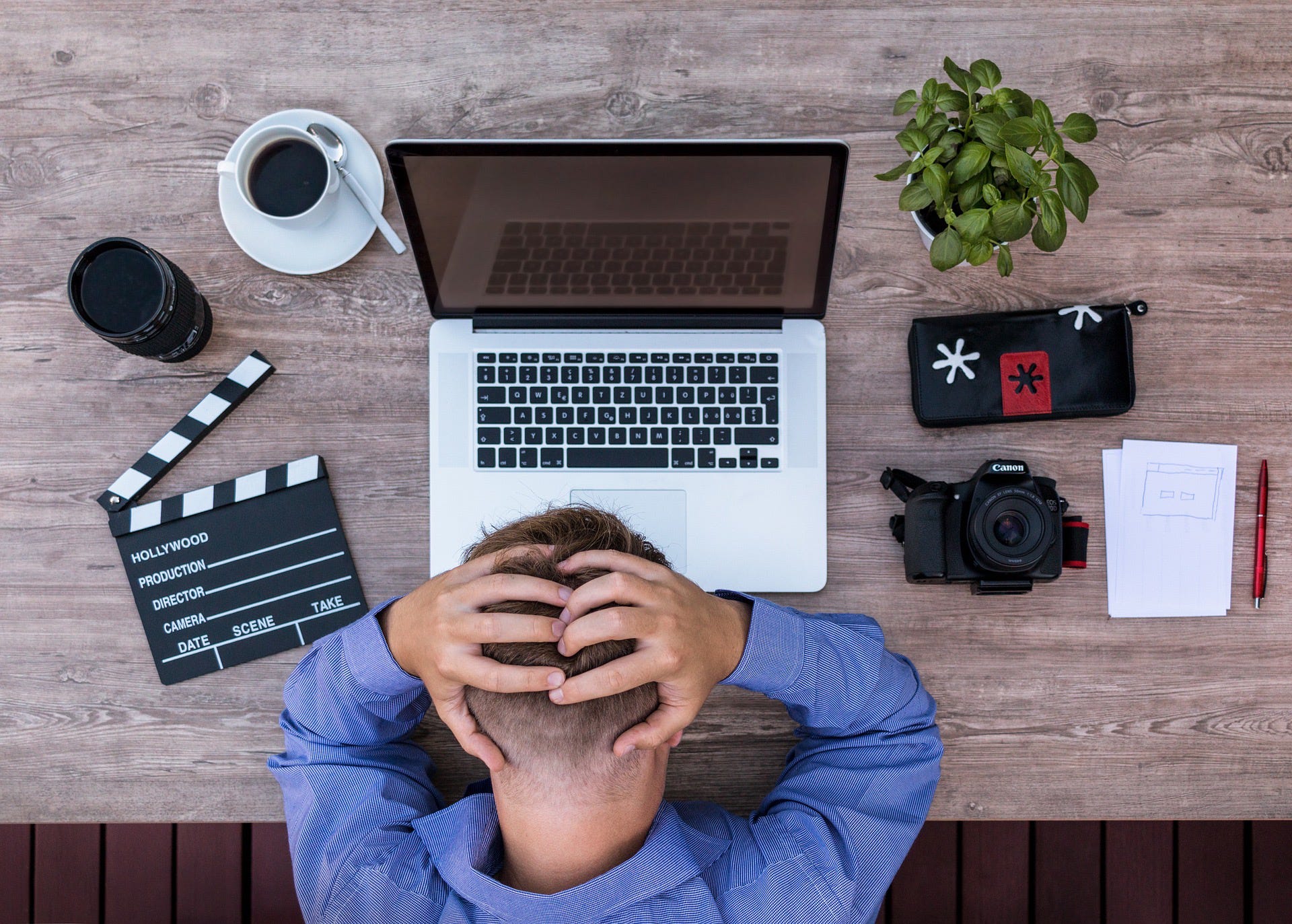
Image by Lucas Bieri from Pixabay
Here’s what I know from thirty years of doing this professionally: most of the harm that lands on a creative’s machine is preventable. Not with expensive software. Not with an IT department. With the right ten steps, in the right order.
The bad guys are not sophisticated. They are patient. They look for easy, soft targets. They are buying lists of stolen email-and-password pairs for pennies and feeding them into automated tools that try your credentials on every major service ~ your cloud storage, your email, your bank ~ until something opens.
Your Lightroom catalog won’t get them excited. Your PayPal or Stripe account will.
I built this guide because I got tired of watching artists get hurt by things that are entirely preventable. It covers every layer of macOS Tahoe security ~ passwords, hard drive encryption, two-factor authentication, antivirus, firewall, VPN, safe download habits ~ with the exact menu paths and the exact reasoning behind each step. I wrote it the way I’d explain it to a fellow photographer, not the way I’d write it for a corporate audit.
At the end is a printable master checklist. Work through it, check every box, and your Mac is hardened.
If you are not ready to choose a paid subscription yet, you can check out the guide here. It’s less than a shoot day’s worth of memory cards, and it protects everything on them.
Have you ever had something go wrong on your Mac ~ a sketchy download, a suspicious email, anything that made you think “that could have been bad”? Tell me what happened. I read every response.
PAID Subscribers can download the guide below and put it to work immediately.